
Free ad templates for Facebook, Instagram and Google Display
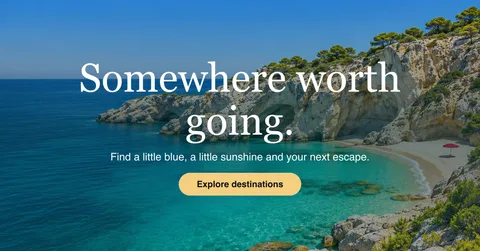
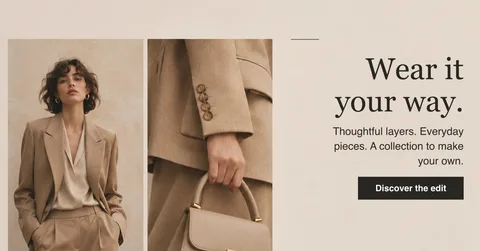
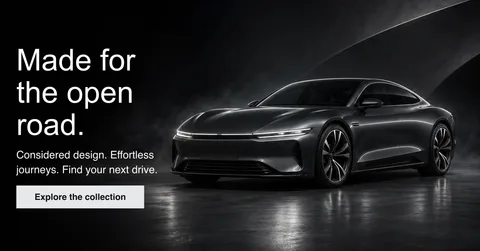
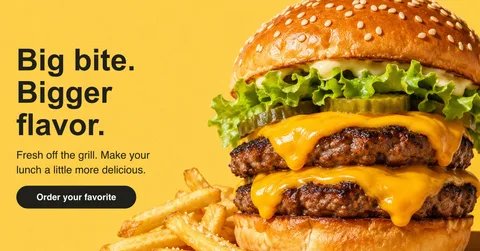
27 editable ad templates for sales, SaaS, local businesses, lifestyle brands and the holidays. Pick a design, write your own headline and button, add your logo and colors, then export it in the sizes your campaign needs. No design software and no card required.
-
-
-
-

-
 Business & SaaS
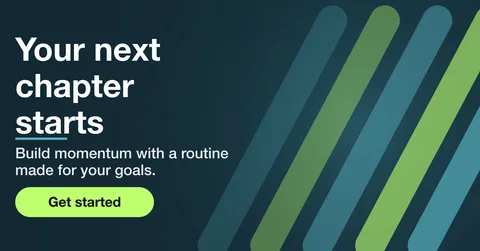
Learn something new
“Your next chapter starts here.” · Explore the course
Use this template → -

-
 Sale & retail
Fine details
“The beauty is in the details.” · Explore the collection
Use this template → -

-
-

-
-
 Business & SaaS
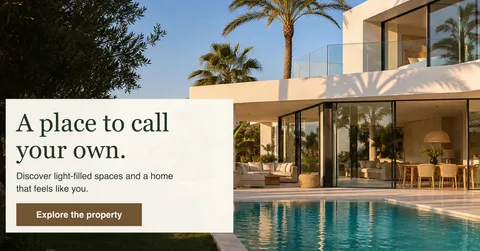
Coastal residence
“A place to call your own.” · Explore the property
Use this template → -

-
 Business & SaaS
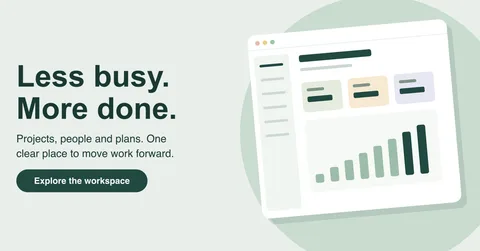
Workspace in focus
“Less busy. More done.” · Explore the workspace
Use this template → -

-
-
-
-
-
-

-

-
-
-

-
-
How to use an ad template
- Pick a designChoose the template whose mood fits your offer. Filter by sale, business, lifestyle or seasonal.
- Write your copyReplace the sample headline, description and button text with your own. Keep the headline short: it has to read on a 320×100 phone banner too.
- Add your brandUpload your logo and set your colors so every size matches your site.
- Export your sizesChoose Google Display, Meta Ads or both. Each size gets its own layout, not a stretched copy.
One template, all your ad sizes
A template is one design, not one file. When you export it, AdflowKit lays out the headline, CTA and logo separately for each shape:
| Platform | Sizes | Guide |
|---|---|---|
| Facebook and Instagram | 1:1 square, 4:5 portrait, 9:16 Stories and Reels, 1.91:1 landscape | Meta ad sizes |
| Google Display | 300×250, 336×280, 728×90, 300×600 and 320×100 | Google Display sizes |
| Performance Max | 1.91:1, 1:1 and 4:5 images | Image ratios |
| Other ad networks | The same five display sizes are IAB standards that most networks accept | Banner ad sizes cheat sheet |
Making a template look like your ad, not a template
- Change the headline first. Sample copy is the giveaway. Write one concrete benefit or offer in six words or fewer.
- Use your real offer. A price, a discount or a deadline makes the ad specific to you. The templates contain no baked-in prices or claims, so nothing contradicts yours.
- Match the CTA to the landing page. If the button says "Book a table", the page it opens should let people book.
- Keep your colors on every size. Our brand checklist covers logo placement and contrast.
- Test two templates against each other. Run the same copy on two designs and keep the winner. See A/B testing ad creatives.
Need ideas for the copy itself? Browse 20 Facebook ad examples, Google Display ad examples or the seasonal Christmas ad templates.
FAQ
Are these ad templates free?
Yes. Opening a template and editing its headline, description and button text is free and doesn't use generation credits. You can try AdflowKit without a card, and your first 5 packs are free.
Can I use these templates for Facebook and Instagram ads?
Yes. Each template exports to the Meta ad ratios: 1:1 square and 4:5 portrait for feeds, and 9:16 for Stories and Reels. See our guide to Meta ad sizes for the safe zones.
Do the templates work for Google Display banners?
Yes. The same design exports to five Google Display sizes: 300×250, 336×280, 728×90, 300×600 and 320×100, plus Performance Max images. Each size gets its own layout instead of a scaled copy.
Can I change the colors, logo and text?
Yes. Headline, description, CTA, brand colors and logo are all editable, and editing them keeps the background. For a different scene, use Change background in the editor to generate a new one with generation credits, or pick another template.
Do I need my own photos?
No. Each template comes with original artwork made for AdflowKit, so you can publish without sourcing stock images. You can also start from your own landing page instead, and AdflowKit will design around it.